Email Security Best Practices
Email is the number-one way attacks reach a business, so email security best practices are essential: turn on multi-factor authentication, set up SPF, DKIM, and DMARC to stop spoofing, use advanced filtering against phishing and malware, encrypt sensitive messages, train staff to spot threats, and back up your mailboxes. Layered together, these defenses close the most common door attackers use.
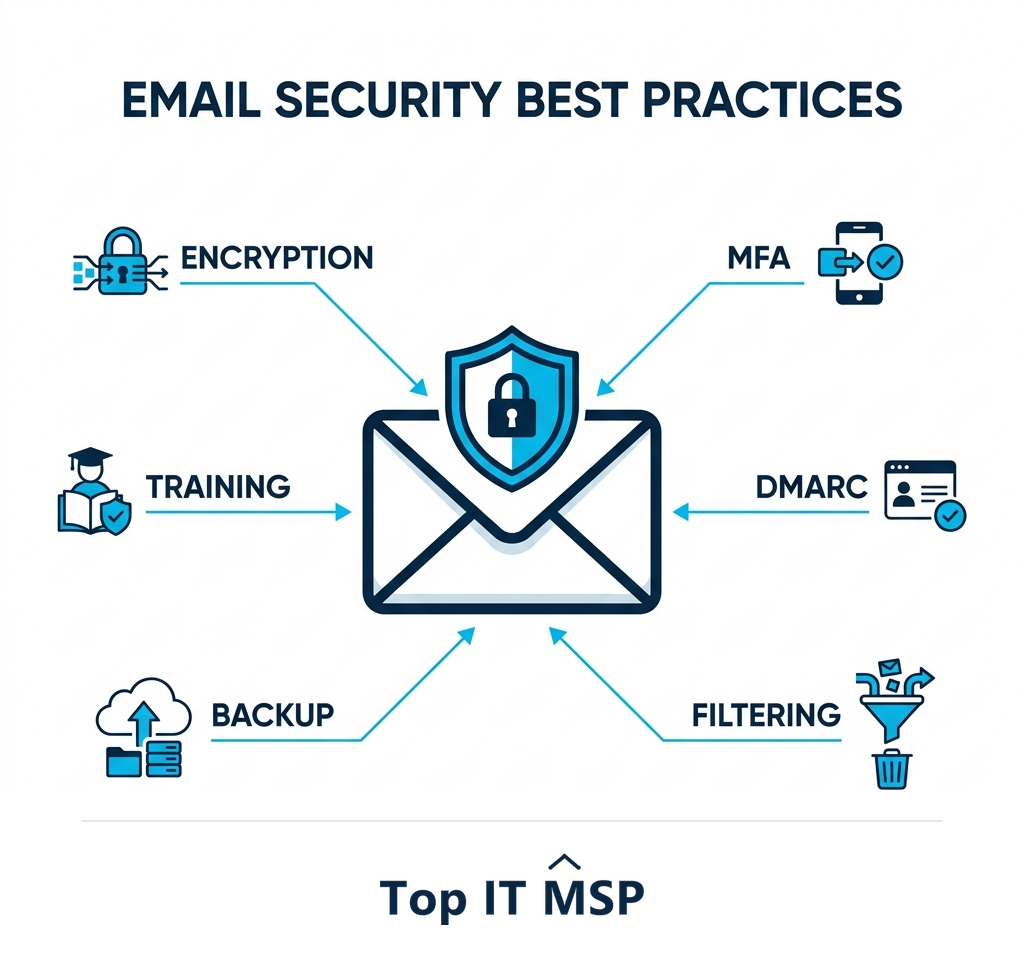
- Email is the leading entry point for attacks, so securing it is a top priority.
- Turn on multi-factor authentication for every mailbox; it blocks most account takeovers.
- Set up SPF, DKIM, and DMARC so attackers cannot spoof your domain.
- Use advanced filtering and anti-phishing, and encrypt sensitive messages.
- Train staff and back up mailboxes, because people and recoverability are part of email security.
Why email security matters most
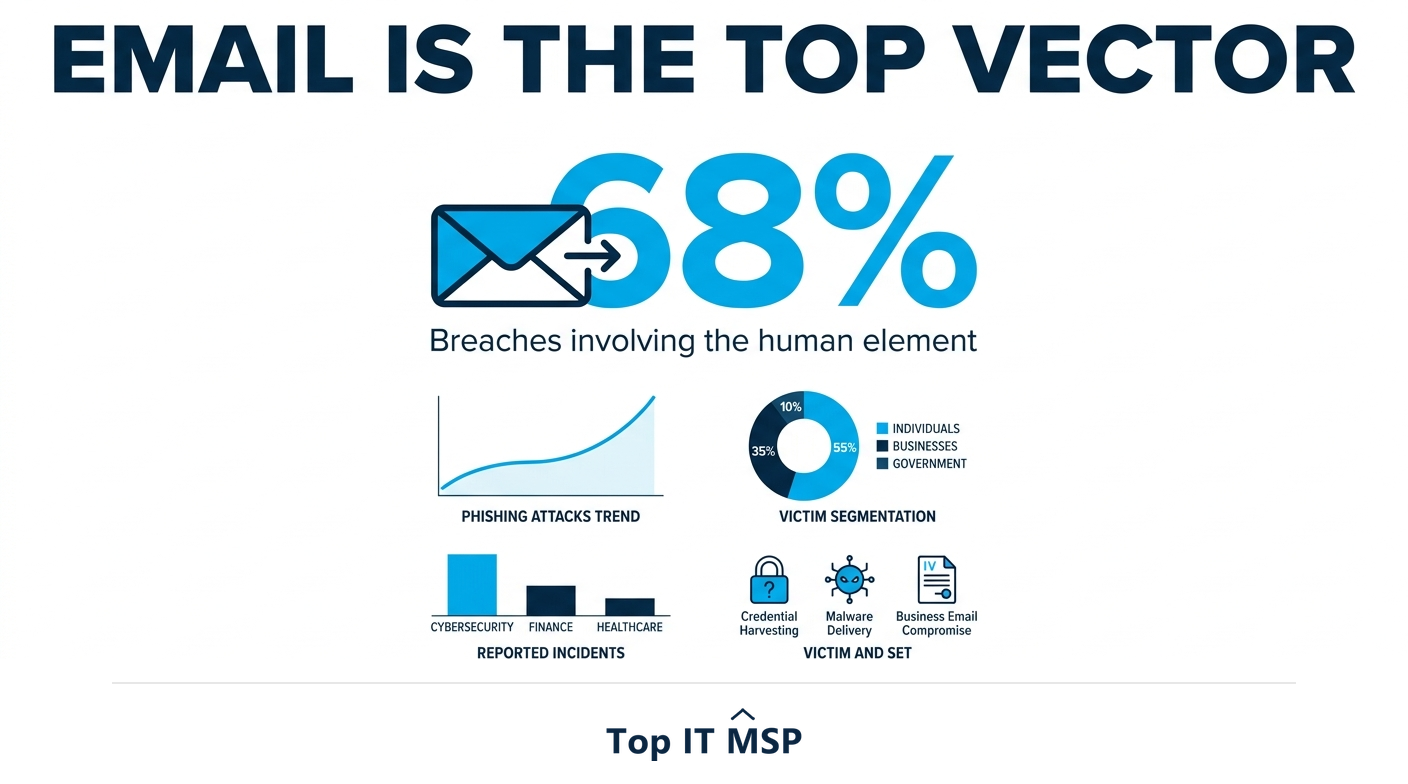
Email is the front door to your business, and it is the door attackers knock on most. The overwhelming majority of cyberattacks, phishing, malware, ransomware, and business-email-compromise scams, arrive by email, because it reaches every employee and exploits the easiest target: people. The human element is involved in 68 percent of breaches, and email is the primary delivery mechanism. That makes email security not just one item on a checklist but one of the highest-impact areas of your entire security program. Get it right and you close the door most attacks use; neglect it and you leave that door wide open.
The cost of getting it wrong is steep, with the average data breach reaching $4.88 million, taking about 258 days to identify and contain, and reported cybercrime losses topping $12.5 billion in a single year, much of it starting with a single email. The good news is that email security is layered and achievable: a handful of best practices, combined, dramatically reduce your risk. This guide covers them. It pairs with our email security and cybersecurity services overviews.
1. Turn on multi-factor authentication
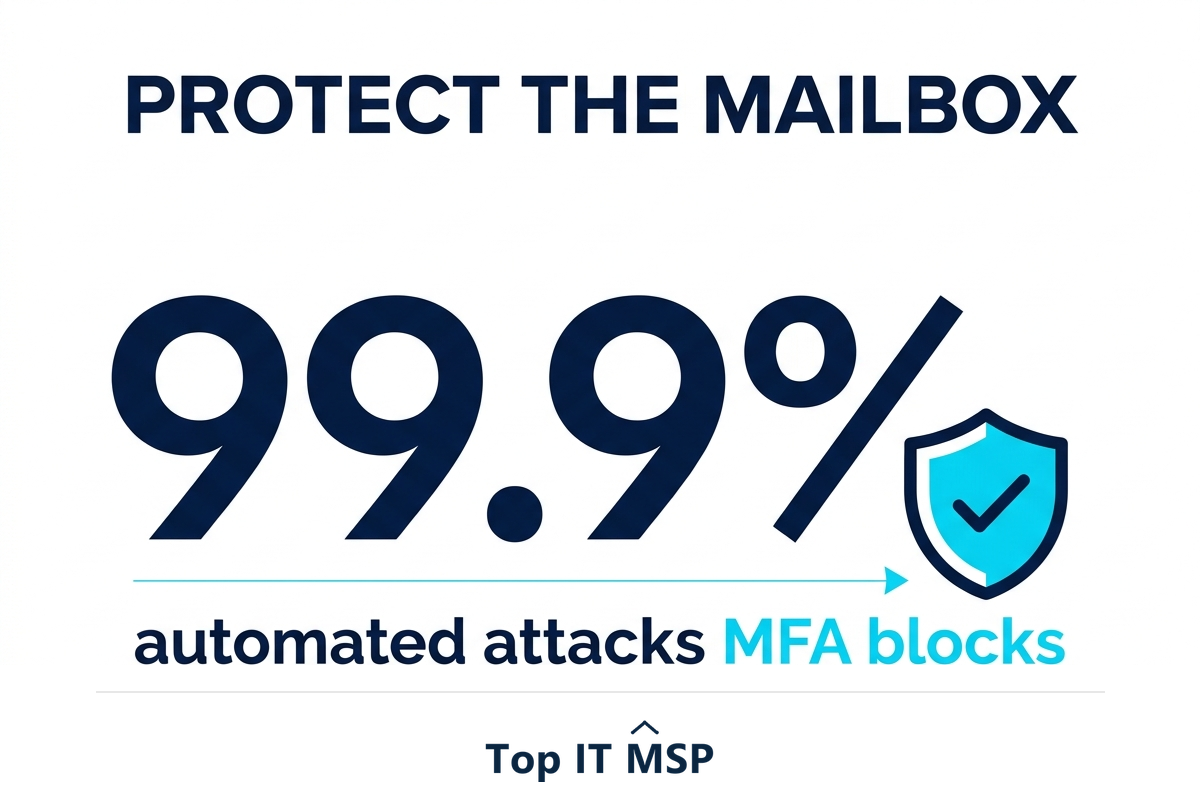
The single most important email security step is multi-factor authentication (MFA) on every mailbox. Email accounts are prime targets because they are the key to password resets for everything else and a launchpad for attacks on colleagues and customers. With MFA, a stolen or phished password is not enough to log in, the attacker also needs the second factor. Microsoft has reported that MFA blocks 99.9 percent of automated account-compromise attacks, making it the highest-return control you can apply. Enable it for everyone, no exceptions, and prefer app-based authenticator or hardware-key factors over text-message codes, which can be intercepted by a determined attacker.
2. Authenticate your domain with SPF, DKIM, and DMARC
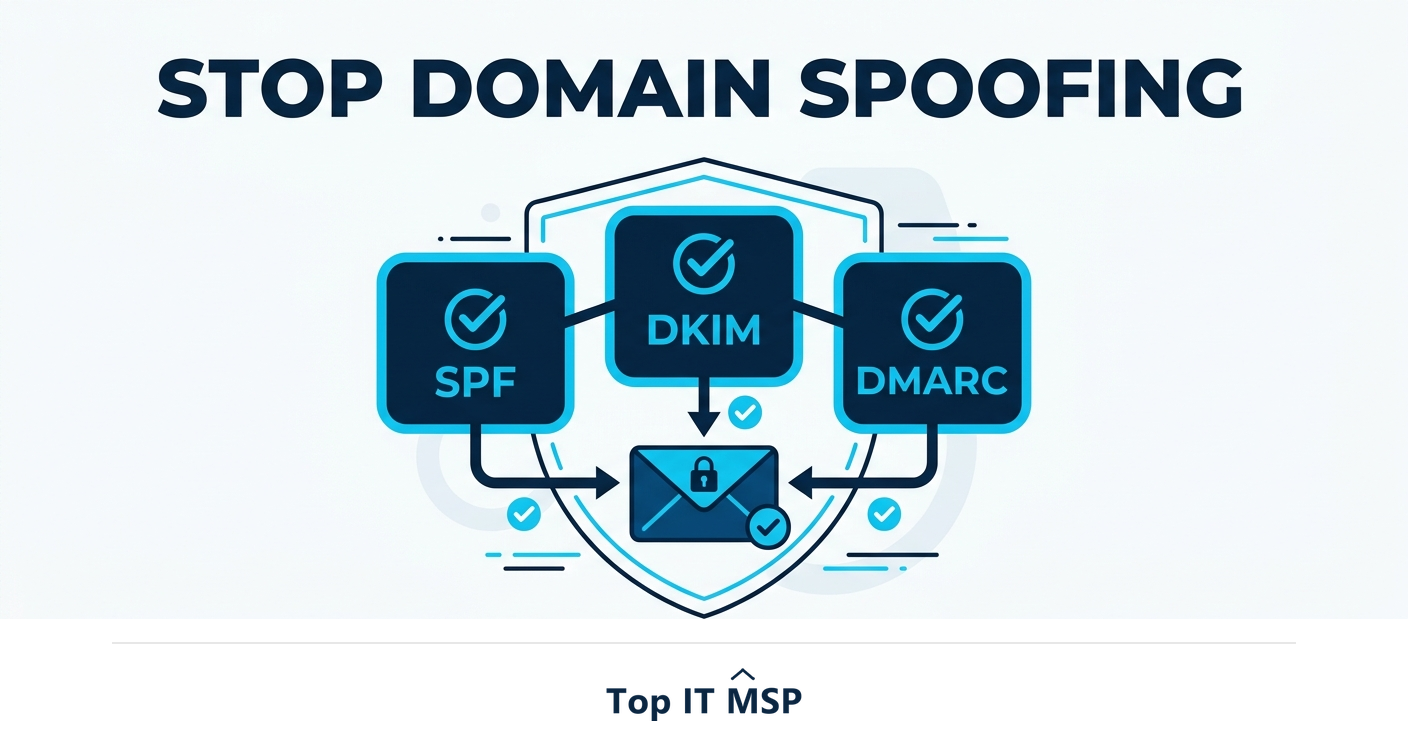
Attackers love to spoof your domain, sending emails that appear to come from your company to fool your customers, partners, or staff. Three email-authentication standards stop this when configured correctly: SPF specifies which servers may send mail for your domain, DKIM cryptographically signs your messages so recipients can verify they are genuine and unaltered, and DMARC ties the two together and tells receiving servers what to do with messages that fail (and reports attempts to abuse your domain). Setting up all three is a foundational, often-overlooked best practice that protects both your recipients and your brand's reputation from impersonation.
3. Use advanced filtering and anti-phishing
Basic spam filtering is not enough against modern threats. Advanced email security filters scan incoming messages for phishing, malicious links, dangerous attachments, and impersonation attempts, blocking them before they reach inboxes. Look for capabilities like link rewriting and scanning (checking a link's safety at the moment it is clicked, not just when it arrives), attachment sandboxing (opening attachments in a safe environment to detect malware), and impersonation protection that flags emails pretending to be your executives or vendors. This technical layer catches a large share of attacks automatically, before a human ever has to make a judgment call.
4. Encrypt sensitive emails
Standard email is not private; messages can be intercepted in transit or exposed if an account is compromised. For any email containing sensitive information, financial details, personal data, health information, or confidential business material, encryption ensures that only the intended recipient can read it. Many business email platforms offer encryption that can be applied to specific messages or enforced by policy for certain content. Encryption is also a requirement under regulations like HIPAA for protected data, so for regulated businesses it is not optional. Make encrypting sensitive mail the default, not an afterthought.
5. Train your people
Because email attacks target people, your staff are both the main target and a crucial line of defense. Regular security-awareness training teaches employees to recognize phishing and suspicious messages, to be wary of urgency and unusual requests, to verify before acting on anything sensitive, and to report suspected attacks. Simulated phishing tests keep the skill sharp and reveal who needs more help. Given that the human element features in 68 percent of breaches, a well-trained, skeptical workforce is one of the most effective email-security investments there is, because it catches the sophisticated attacks that slip past the filters.
6. Apply least privilege and back up your email
Two final practices round out a strong email-security posture. Apply least-privilege access and good account hygiene: limit administrative privileges, remove access promptly when people leave, and watch for suspicious mailbox activity like unexpected forwarding rules (a common sign of a compromised account). And back up your email. Many businesses assume their cloud email provider keeps everything safe forever, but a malicious deletion, a ransomware event, or a retention gap can lose critical messages, so a dedicated email backup ensures you can recover. Together these protect against both account compromise and data loss.
Layering email security
No single control secures email; the strength is in layering. MFA protects the account, SPF/DKIM/DMARC protect your domain, filtering blocks malicious messages, encryption protects sensitive content, training catches what technology misses, and backup ensures recovery. Each layer covers the gaps in the others, so an attack has to defeat all of them, which is far harder. Configuring and maintaining these layers, especially domain authentication and advanced filtering, takes expertise that is scarce amid a global shortfall of about 4.8 million cybersecurity professionals, which is why many businesses have a managed IT or security provider set up and monitor their email security, part of why the managed services market is projected to grow from about $330 billion in 2024 to about $879 billion over the next decade. A provider also keeps the configuration current as threats evolve and as platforms add new protections, so your email defenses do not quietly fall behind the attackers.
Because email is the leading way attacks begin, getting these practices in place is one of the highest-return moves in security. To find a provider that can lock down your email, browse vetted, merit-ranked firms by city in the Top IT MSP directory, where ranking is earned on rating and verified data.
Frequently asked questions
What are email security best practices?
The core best practices are: turn on multi-factor authentication for every mailbox, set up SPF, DKIM, and DMARC to stop domain spoofing, use advanced filtering and anti-phishing to block malicious messages, encrypt sensitive emails, train staff to recognize threats, and apply least-privilege access plus back up your mailboxes. Layered together, they close the most common attack path.
Why is email security so important?
Because email is the leading entry point for cyberattacks, phishing, malware, ransomware, and business-email-compromise all arrive by email, exploiting people. The human element is involved in about 68% of breaches, with email the primary delivery mechanism. With the average breach costing $4.88 million, securing email is one of the highest-impact parts of a security program.
What are SPF, DKIM, and DMARC?
They are email-authentication standards that stop attackers spoofing your domain. SPF specifies which servers may send mail for your domain, DKIM cryptographically signs your messages so recipients can verify they are genuine, and DMARC ties the two together, tells receiving servers what to do with messages that fail, and reports abuse. Configuring all three protects recipients and your brand.
Does MFA protect email?
Yes, strongly. Multi-factor authentication means a stolen or phished password is not enough to access a mailbox, since the attacker also needs the second factor. Microsoft reports MFA blocks 99.9 percent of automated account-compromise attacks. Because email accounts are the key to resetting other passwords, MFA on every mailbox is the single highest-return email security step.
Should I back up my business email?
Yes. Many businesses assume their cloud email provider keeps everything safe forever, but a malicious deletion, a ransomware event, or a retention gap can permanently lose critical messages. A dedicated email backup ensures you can recover. It complements account protection and is an often-overlooked part of a complete email security posture.
How do I protect against email phishing?
Combine layers: multi-factor authentication so a phished password is not enough, advanced filtering and anti-phishing that block malicious messages and check links at click time, SPF/DKIM/DMARC to stop spoofing, and ongoing staff training with simulated tests to catch what slips through. No single control is enough, but together they dramatically reduce phishing risk.
Related reading
Lock down the door most attacks use
Top IT MSP is the independent directory of vetted managed IT and security providers across North America. Compare merit-ranked firms in your city that configure MFA, DMARC, filtering, and email backup. No pay-to-play.
Top IT MSP is an independent directory that connects you with vetted managed IT providers. Browse the directory city by city:
- Managed IT Services in New York
- Managed IT Services in Los Angeles
- Managed IT Services in Chicago
- Managed IT Services in Houston
- Managed IT Services in Glendale
- Managed IT Services in Grand Rapids
- Managed IT Services in Greensboro
- Managed IT Services in Greenville
- Managed IT Services in Hamilton
- Managed IT Services in Huntington Beach