Data Center Migration: A Planning Guide
A data center migration moves your servers, storage, applications, and data from one environment to another, whether to the cloud, to a colocation facility, or into a consolidated data center. Success depends on planning: a thorough inventory and assessment, careful dependency mapping, a phased execution plan, rigorous testing and validation, and a clean decommission of the old environment. The biggest risks are downtime and data loss, both of which are largely avoidable with disciplined preparation and, for most businesses, expert help.
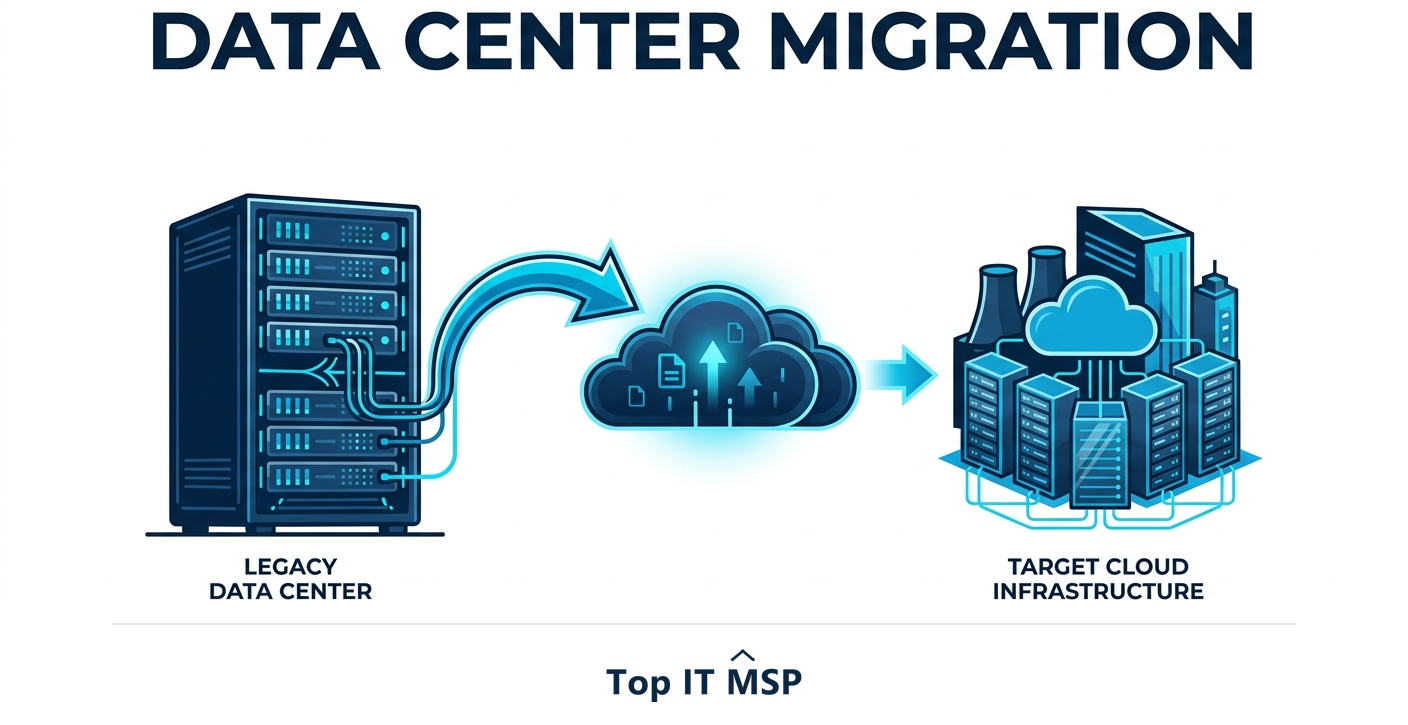
- A data center migration moves servers, storage, applications, and data to a new environment such as cloud or colocation.
- Assessment and a complete inventory come first; you cannot migrate what you have not mapped.
- Dependency mapping prevents the surprise outages that come from moving one workload without its connections.
- A phased migration with thorough testing minimizes downtime and the risk of data loss.
- Most organizations migrate with expert help because the cost of getting it wrong, in downtime and data loss, is high.
What is a data center migration?
A data center migration is the process of moving your computing environment, servers, storage, networking, applications, and data, from one location or platform to another. That destination might be the public cloud, a third-party colocation facility, or a newer, consolidated data center. Whatever the target, the goal is to move your workloads without losing data and without disrupting the business any more than necessary. A migration is one of the higher-stakes projects an IT organization undertakes, because so much depends on the systems being moved, which is exactly why careful planning, not raw technical effort, decides whether it succeeds.
This guide walks through the types of data center migration, the phases of a well-run project, a practical checklist, and the risks to plan for. It pairs with our cloud security overview, the managed IT services hub, and our guide to application modernization, which often goes hand in hand with a move to the cloud.
Why migrate a data center?
Businesses migrate for a mix of reasons. Aging hardware that is expensive to maintain and nearing end of support is a common trigger. So is cost: running your own data center is capital-intensive, and the cloud or colocation can be more economical and predictable. Many migrations are part of a broader cloud strategy, with worldwide public cloud end-user spending forecast to reach $723.4 billion in 2025 and 89% of organizations now running a multi-cloud strategy. Others are driven by the need for better reliability and redundant infrastructure, by acquisitions that require consolidation, or by the desire to scale beyond what a single server room can handle. Whatever the driver, the move is also an opportunity to improve security and resilience, provided it is planned that way.
Types of data center migration
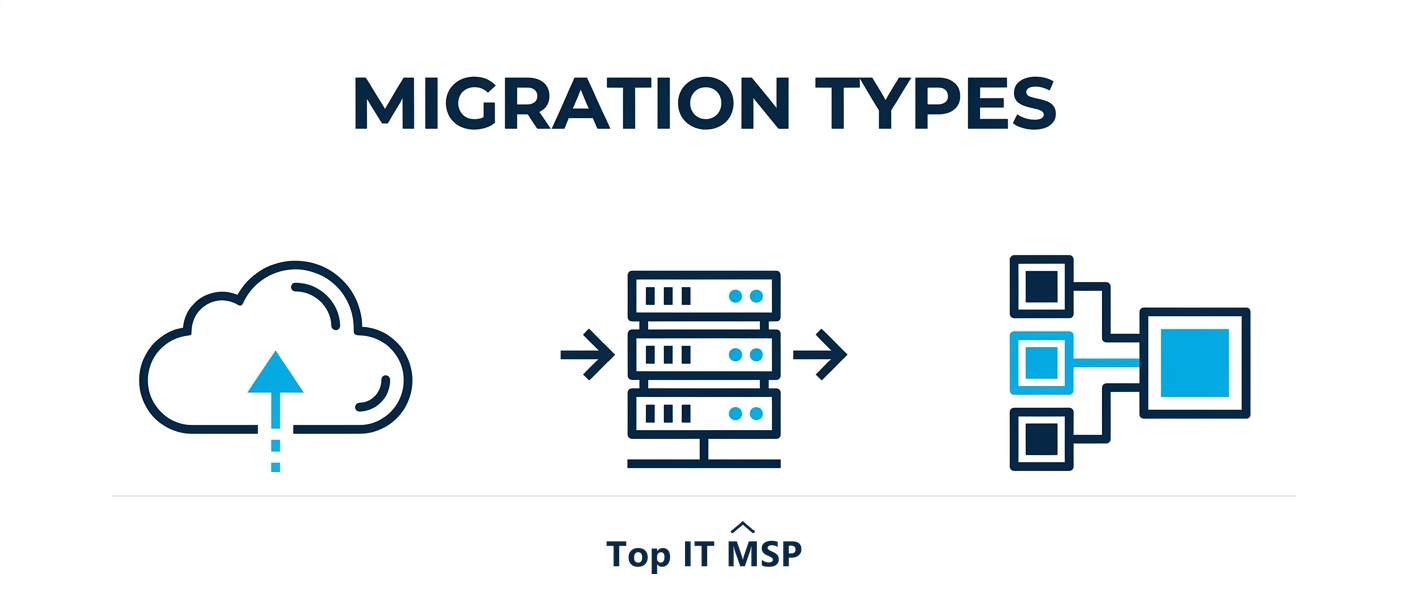
Not every migration looks the same. The main types are:
- Cloud migration. Moving workloads to a public cloud like AWS or Azure, often as a lift-and-shift first and deeper modernization later.
- Colocation. Moving your physical servers into a shared, professionally managed colocation facility that provides power, cooling, connectivity, and physical security while you retain the hardware.
- Consolidation. Combining multiple data centers into fewer, often after growth or acquisition, to cut cost and complexity.
- Data center relocation. A physical move of equipment from one site to another, the most logistically demanding type.
Many real projects blend these, for example consolidating several sites while migrating some workloads to the cloud and moving the rest to colocation.
The data center migration process
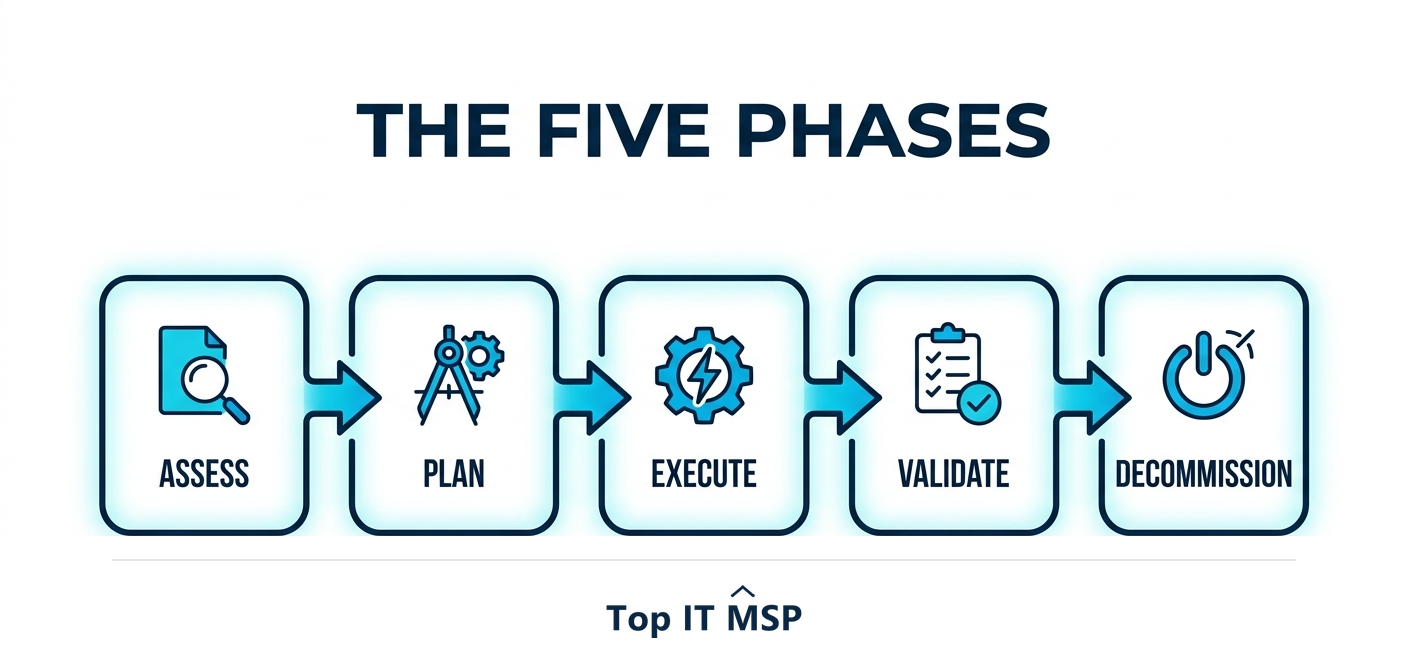
A well-run migration follows clear phases, and skipping any of them is where projects go wrong:
- Assess and inventory. Build a complete inventory of every server, application, and data store, with its configuration, usage, and owner. You cannot safely migrate what you have not mapped.
- Plan and map dependencies. Define objectives, timeline, and budget, and do thorough dependency mapping so you understand how systems connect. This is what prevents moving one workload and accidentally breaking five others.
- Design the target. Architect the destination environment for security, performance, and redundancy before anything moves.
- Execute in phases. Migrate in manageable waves rather than all at once, validating each before the next, to minimize risk and downtime.
- Test and validate. After each wave, validate that applications work, data is intact, and performance is acceptable, ideally with a rollback plan ready.
- Decommission. Once the new environment is proven, decommission the old hardware cleanly, securely wiping data before disposal.
A data center migration checklist
Turn the phases into a working checklist:
- Inventory everything and confirm nothing is missed, including shadow systems no one documented.
- Map dependencies between applications, databases, and services so the migration order is safe.
- Back up first. Take verified backups before you move anything, so a failure never means data loss.
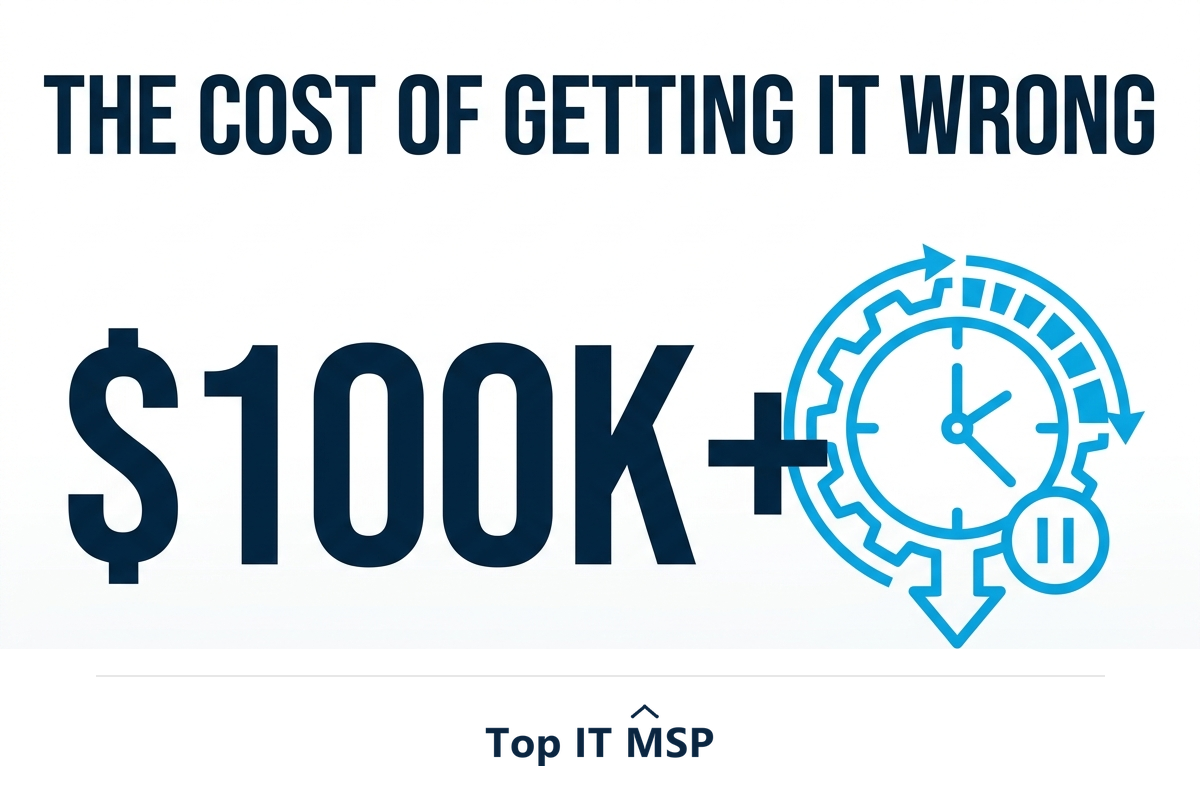
- Plan for downtime. Schedule cutovers for low-impact windows and communicate them, because an hour of downtime costs most organizations more than $100,000.
- Build security in. Configure the target securely from the start, since Gartner projects 99% of cloud security failures are the customer's fault through 2025.
- Validate and keep a rollback path so you can reverse a wave that fails its tests.
The risks, and how to minimize them
Two risks dominate a data center migration: downtime and data loss. Unplanned downtime during a botched cutover is expensive and visible, at more than $100,000 an hour for most organizations, and it is largely avoidable through phased execution, off-peak windows, and tested rollback plans. Data loss, the more serious risk, is prevented by taking verified backups before any move and validating data integrity after each wave. Security is the quieter risk: a migration that lands workloads in a misconfigured new environment can expose data, which matters when the average breach costs $4.88 million and takes an average of 258 days to identify and contain. Building security in from the design phase, and using automation, which saved breached organizations an average of $2.22 million, keeps the move from becoming an incident.
Getting your data center migration right
A data center migration rewards preparation more than almost any other IT project. Inventory and assess everything, map dependencies before you touch anything, design the target for security and redundancy, execute in tested phases, and decommission cleanly. Do that and you move your workloads with minimal disruption and come out with a more reliable, scalable, and secure environment than you started with. Because the stakes and the complexity are high, most organizations run these projects with experienced partners, one reason the managed services market is growing from about $330 billion in 2024 toward $879 billion over the next decade. Learn more in our cloud security guide.
If you are planning a data center migration, a cloud move, or a colocation project, comparing vetted providers on merit is the place to start. Browse merit-ranked managed IT firms by city in the Top IT MSP directory, where ranking is earned on rating and verified data, not on who pays the most.
Frequently asked questions
What is a data center migration?
A data center migration is the process of moving your computing environment, servers, storage, networking, applications, and data, from one location or platform to another. The destination might be the public cloud, a colocation facility, or a newer consolidated data center. The goal is to move workloads without data loss and with minimal disruption to the business.
What are the types of data center migration?
The main types are cloud migration (moving workloads to a public cloud), colocation (moving physical servers into a shared managed facility), consolidation (combining multiple data centers into fewer), and physical relocation (moving equipment between sites). Many projects blend these, such as consolidating sites while migrating some workloads to the cloud.
What are the phases of a data center migration?
A well-run migration follows clear phases: assess and inventory every system, plan and map dependencies, design the target environment for security and redundancy, execute in manageable waves, test and validate each wave with a rollback plan ready, and decommission the old hardware cleanly once the new environment is proven.
How do you minimize downtime during a migration?
Migrate in phases rather than all at once, schedule cutovers for low-impact windows, communicate them in advance, validate each wave before moving on, and keep a tested rollback plan. Thorough dependency mapping is essential, because moving one workload without understanding its connections is a common cause of unplanned outages.
How do you prevent data loss in a data center migration?
Take verified backups before moving anything, so a failure never means permanent loss, and validate data integrity after each migration wave. A complete inventory and dependency map ensure nothing is missed, and a rollback plan lets you reverse a wave that fails its tests. These steps make data loss, the most serious migration risk, highly avoidable.
Should I hire a partner for a data center migration?
Most organizations do, because migrations are high-stakes, infrequent projects that require specialized planning, dependency mapping, and execution skills. The cost of getting it wrong, in downtime exceeding $100,000 an hour and potential data loss, usually far outweighs the cost of expert help, which is why the managed services market continues to grow rapidly.
Related reading
Plan your migration with confidence
Top IT MSP is the independent directory of vetted managed IT providers across North America. Compare merit-ranked firms in your city that plan and execute data center migration, cloud migration, and colocation projects. No pay-to-play.
Top IT MSP is an independent directory that connects you with vetted managed IT providers. Browse the directory city by city:
- Managed IT Services in Atlanta
- Managed IT Services in Philadelphia
- Managed IT Services in New York
- Managed IT Services in Los Angeles
- Managed IT Services in Toronto
- Managed IT Services in Tucson
- Managed IT Services in Tulsa
- Managed IT Services in Vancouver
- Managed IT Services in Virginia Beach
- Managed IT Services in Washington, D.C.