Types of Network Security Explained
The main types of network security work together in layers: firewalls control traffic, IDS/IPS detect and block intrusions, VPNs encrypt remote connections, NAC controls who and what can join the network, and email and endpoint security stop the most common attacks. Add segmentation, data loss prevention, and a Zero Trust approach, and you have defense in depth, where no single failure exposes everything.
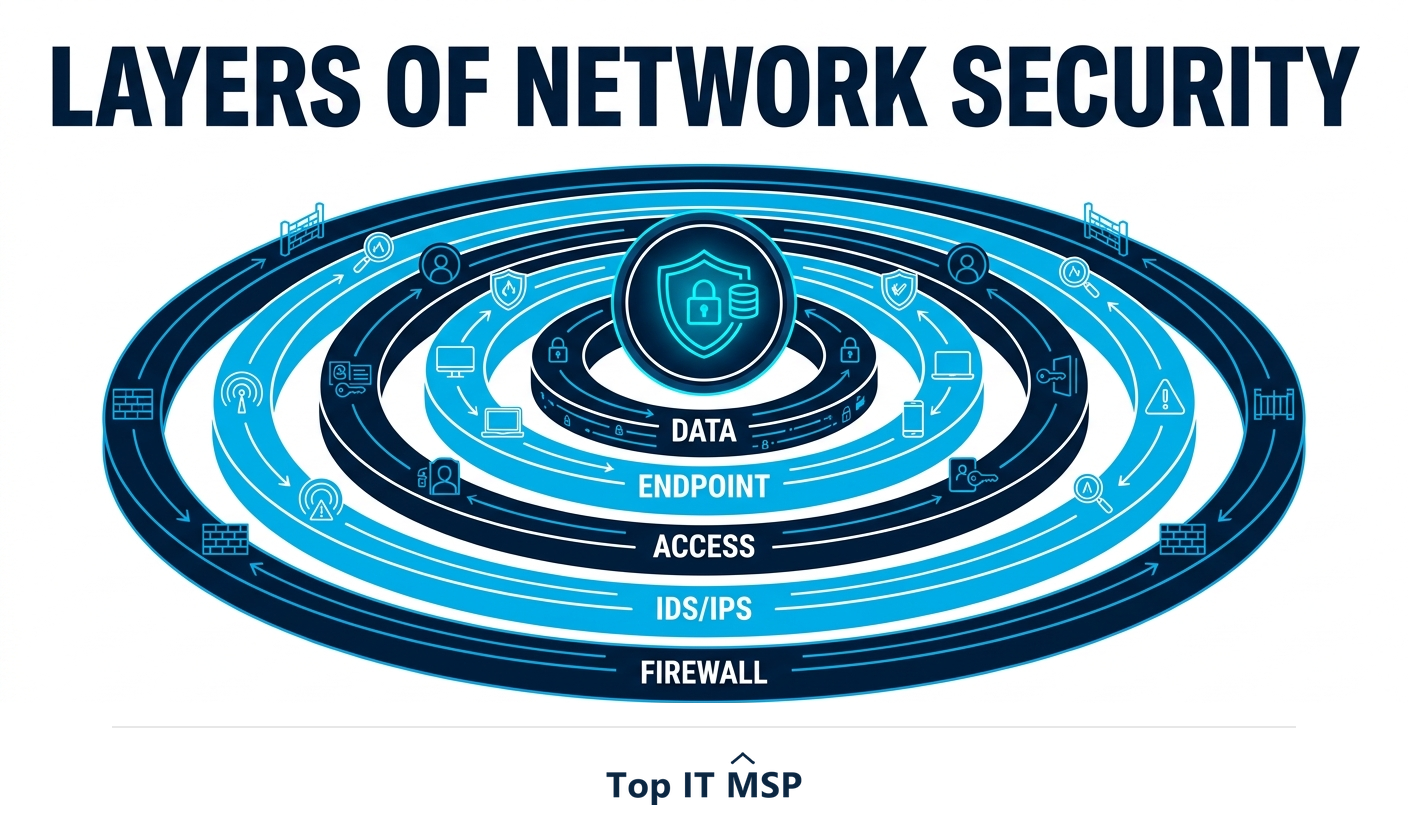
- Network security is layered: each type covers a different risk, and together they form defense in depth.
- Firewalls, IDS/IPS, and VPNs control and protect traffic in and out of the network.
- NAC, email security, and endpoint protection guard the access points attackers actually use.
- Segmentation, data loss prevention, and Zero Trust limit how far any single breach can spread.
- No one tool is enough; the goal is overlapping layers so one failure does not expose everything.
Network security is layered, not a single tool
There is no single product that delivers network security. Instead, network security is built from many types of controls that each address a different risk and work together in layers, an approach called defense in depth. The idea is simple: if one layer fails or an attacker slips past it, another stands behind it, so no single weakness exposes the whole business. Understanding the main types helps you see what protects what, and where gaps might hide.
Layered defense matters because the threats are constant and costly. The average data breach reached $4.88 million in 2024, the typical breach takes about 258 days to identify and contain, and reported cybercrime losses topped $12.5 billion in a single year. Below are the main types of network security, grouped by what they do. This guide pairs with our network support and cybersecurity services overviews.
Controlling traffic: firewalls, IDS/IPS, and VPNs
The first group controls and protects the traffic flowing in and out of your network, the classic perimeter defenses that still do essential work:
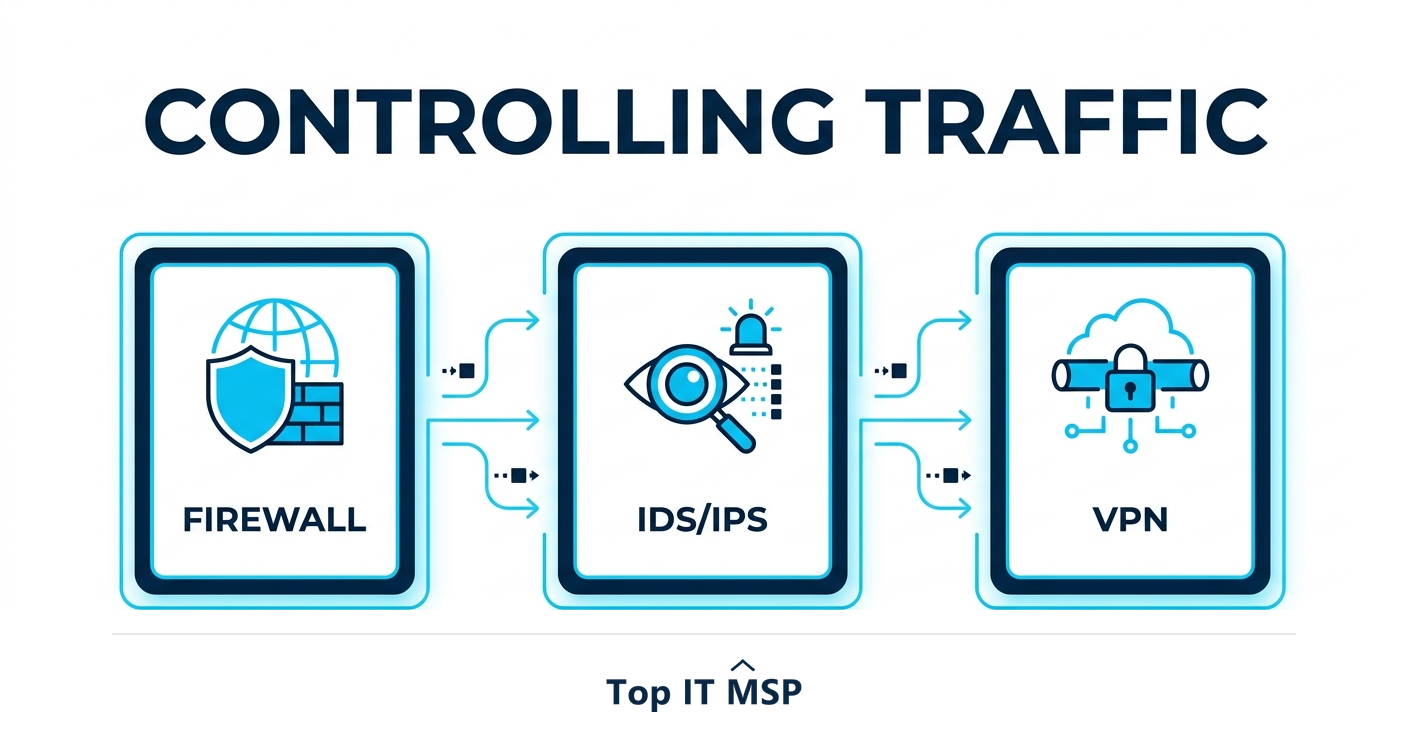
- Firewall. The gatekeeper of your network. A firewall filters incoming and outgoing traffic against security rules, blocking anything that does not belong. Modern next-generation firewalls also inspect traffic for threats, not just ports and addresses.
- Intrusion Detection and Prevention Systems (IDS/IPS). An IDS monitors traffic and raises an alert when it spots suspicious activity; an IPS goes further and actively blocks it. Together they catch attacks that slip through the firewall.
- Virtual Private Network (VPN). A VPN encrypts the connection between a remote user or office and the network, so data traveling across the public internet cannot be read or tampered with. It is essential for secure remote and hybrid work.
Controlling access: NAC and identity
The second group decides who and what is allowed onto the network in the first place. Access control is often where real-world security is won or lost, because a stolen credential can walk straight past perimeter defenses.
- Network Access Control (NAC). NAC checks every device trying to join the network and enforces policy, blocking unknown, non-compliant, or risky devices before they connect.
- Identity and access management with MFA. Controlling user identities and requiring multi-factor authentication ensures that even a stolen password is not enough to get in, and that each account can reach only what it needs.
Protecting the entry points: email and endpoint security
Most attacks do not break through the firewall; they arrive through an inbox or a device. That is why protecting these entry points is among the highest-value types of network security. Verizon's research found the human element was involved in 68 percent of breaches, most of them starting with a phishing email or a compromised device.
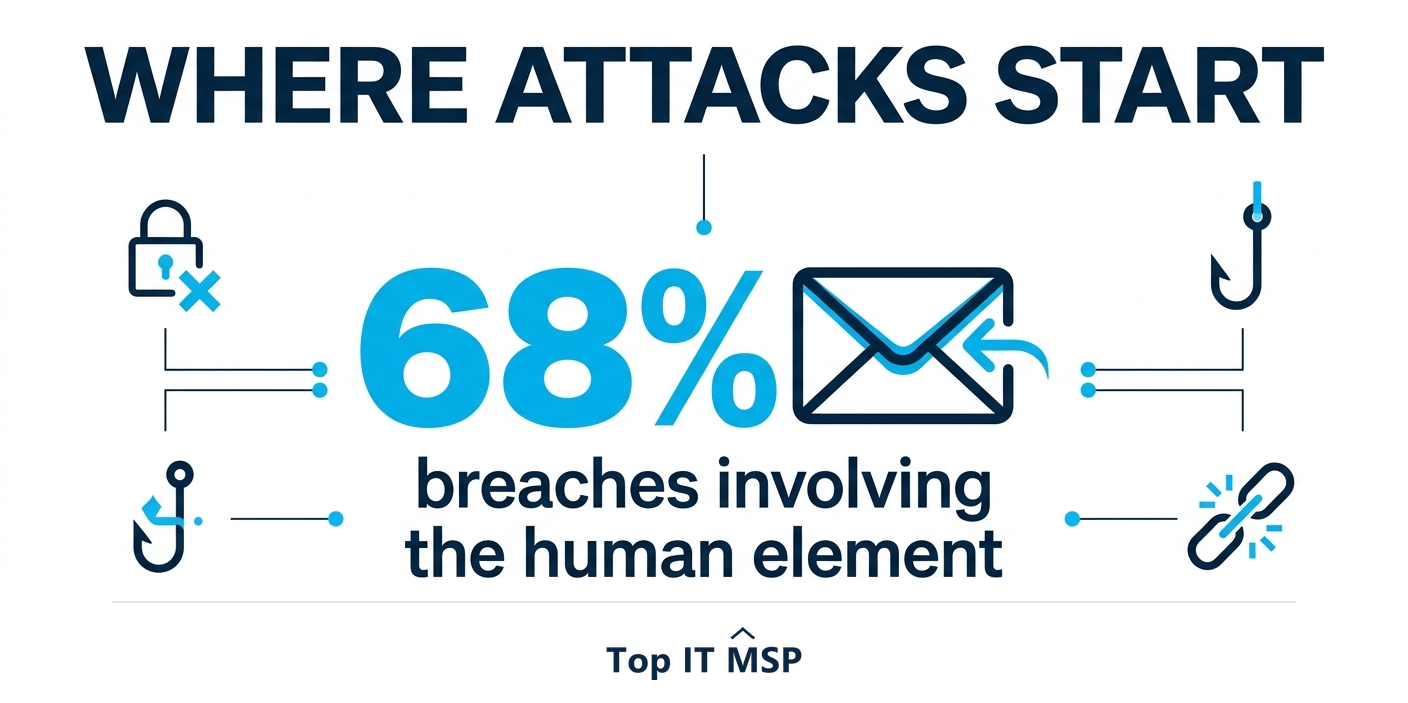
- Email security. Filters phishing, malicious attachments, and spam before they reach users, the single most common attack vector.
- Endpoint protection (EDR/antivirus). Defends laptops, desktops, and servers, with modern Endpoint Detection and Response (EDR) detecting and stopping threats that traditional antivirus misses.
- Web filtering. Blocks access to malicious or risky websites, cutting off a common route for malware.
Containing damage: segmentation, DLP, and monitoring
The next group assumes something will eventually get through, and focuses on limiting the damage and spotting it fast:
- Network segmentation. Divides, or segments, the network into separate zones so a breach in one area cannot spread freely to the rest, containing an attacker rather than handing them the run of the whole environment. When you segment a network, a compromised laptop in one department cannot reach the servers in another.
- Data Loss Prevention (DLP). Monitors and controls sensitive data so it cannot be leaked or stolen, whether by an attacker or an accidental insider.
- Security monitoring and SIEM. Collects and analyzes logs across the network to detect threats early, the difference between catching an intrusion in hours and discovering it months later.
The modern model: Zero Trust
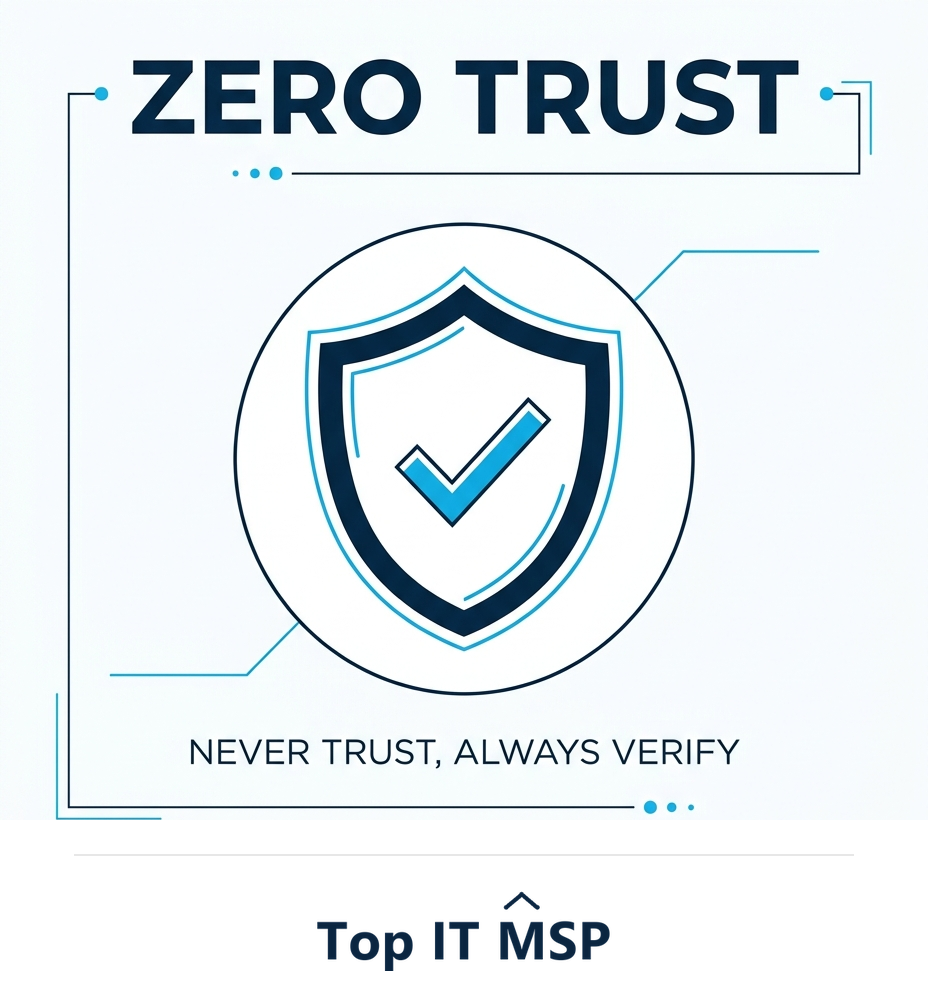
Zero Trust is less a single tool than a strategy that ties the other types together. Its principle is never trust, always verify: no user or device is trusted by default, even inside the network, and every request is authenticated and authorized. This replaces the old model that trusted anything once it was past the perimeter, an assumption that no longer holds when staff work remotely and credentials are routinely stolen. Zero Trust combines strong identity, least-privilege access, segmentation, and continuous monitoring into one approach. In practice it means a user logging in from a new device is challenged, not waved through, and an account is granted only the access its role actually requires, nothing more.
Putting the layers together
No single type of network security is enough on its own, and attackers look for the one layer you skipped. The goal is overlapping protection: control traffic with firewalls and IPS, encrypt connections with VPNs, gate access with NAC and MFA, defend the inbox and endpoints, contain breaches with segmentation and DLP, watch everything with monitoring, and tie it together with Zero Trust. Building and maintaining all of this is demanding, especially given a global shortfall of about 4.8 million cybersecurity professionals, and it must keep pace with a fast-changing landscape as more systems move to the cloud, in a market where public cloud spending is forecast to top $723 billion in 2025, up from about $595.7 billion in 2024. Each new cloud service, remote worker, and connected device adds another path an attacker might try, which is exactly why the layers have to be designed as a system rather than bolted on one purchase at a time.
Because an hour of downtime costs most organizations more than $100,000, getting these layers right is a business decision, not just a technical one. Most small and midsize businesses get the strongest protection by partnering with a provider that designs and runs the full stack. To start from a vetted, merit-ranked list, browse providers by city in the Top IT MSP directory.
Frequently asked questions
What are the main types of network security?
The main types work in layers: firewalls control traffic, IDS/IPS detect and block intrusions, and VPNs encrypt remote connections; NAC and identity control who can access the network; email and endpoint security protect the entry points attackers use; and segmentation, data loss prevention, monitoring, and a Zero Trust approach contain and detect breaches.
What is the difference between a firewall and an IDS/IPS?
A firewall is a gatekeeper that filters traffic against security rules, allowing or blocking it at the network edge. An IDS (Intrusion Detection System) monitors traffic and alerts on suspicious activity, while an IPS (Intrusion Prevention System) actively blocks it. They complement the firewall by catching attacks that slip past basic filtering.
Why is network security layered?
Because no single control stops every threat. Layering, known as defense in depth, means that if one layer fails or an attacker bypasses it, another stands behind it, so a single weakness does not expose the whole business. Each type of network security covers a different risk, and together they provide overlapping protection.
What is Zero Trust network security?
Zero Trust is a strategy based on the principle never trust, always verify. No user or device is trusted by default, even inside the network, and every request is authenticated and authorized. It replaces the outdated model that trusted anything past the perimeter, combining strong identity, least-privilege access, segmentation, and continuous monitoring.
Which type of network security is most important?
There is no single most important type, because attackers exploit whichever layer is missing. That said, since the human element is involved in about 68% of breaches, email and endpoint security plus multi-factor authentication deliver outsized protection. The strongest posture combines all the layers rather than relying on any one.
Do small businesses need all these types of network security?
Small businesses need layered protection appropriate to their size and risk, not necessarily every enterprise tool. At minimum that means a firewall, endpoint and email security, MFA, backups, and monitoring. Because building and maintaining these layers is demanding, many small and midsize businesses partner with a managed provider to run them.
Related reading
Build layered network security with expert help
Top IT MSP is the independent directory of vetted managed IT and security providers across North America. Compare merit-ranked firms in your city that design and run firewalls, monitoring, and Zero Trust. No pay-to-play.
Top IT MSP is an independent directory that connects you with vetted managed IT providers. Browse the directory city by city:
- Managed IT Services in Atlanta
- Managed IT Services in Philadelphia
- Managed IT Services in New York
- Managed IT Services in Los Angeles
- Managed IT Services in Portsmouth, NH
- Managed IT Services in Providence
- Managed IT Services in Raleigh
- Managed IT Services in Reno
- Managed IT Services in Richmond
- Managed IT Services in Rochester, MN